This article describes the installation of Oracle Database 12c Release 1 (12.1) (64-bit) on
Oracle Linux 6 (64-bit). The article is based on a server installation with a minimum of 2G swap, with SELinux set to permissive and the firewall disabled. The following package groups were included for this installation.
- Base System > Base
- Base System > Compatibility libraries
- Base System > Hardware monitoring utilities
- Base System > Large Systems Performance
- Base System > Network file system client
- Base System > Performance Tools
- Base System > Perl Support
- Servers > Server Platform
- Servers > System administration tools
- Desktops > Desktop
- Desktops > Desktop Platform
- Desktops > Fonts
- Desktops > General Purpose Desktop
- Desktops > Graphical Administration Tools
- Desktops > Input Methods
- Desktops > X Window System
- Applications > Internet Browser
- Development > Additional Development
- Development > Development Tools
An example of this type of Linux installations can be seen
here. Alternative installations may require more packages to be loaded, in addition to the ones listed below.
Related articles.
Download Software
Download the Oracle software from OTN or MOS depending on your support status.
This article has been updated for the 12.1.0.2 release, but the installation is essentially unchanged since 12.1.0.1. Any variations specific for 12.1.0.1 will be noted.
Depending on your version of VirtualBox and Oracle Linux, there may be some slight variation in how the screen shots look.
Unpack Files
Unzip the files.
unzip linuxamd64_12102_database_1of2.zip
unzip linuxamd64_12102_database_2of2.zip
You should now have a single directory called "database" containing installation files.
Hosts File
The "/etc/hosts" file must contain a fully qualified name for the server.
<IP-address> <fully-qualified-machine-name> <machine-name>
For example.
127.0.0.1       localhost.localdomain  localhost
192.168.0.210   ol6-121.localdomain    ol6-121
Oracle Installation Prerequisites
Perform either the Automatic Setup or the Manual Setup to complete the basic prerequisites. The Additional Setup is required for all installations.
Automatic Setup
If you plan to use the "oracle-rdbms-server-12cR1-preinstall" package to perform all your prerequisite setup, issue the following command.
# yum install oracle-rdbms-server-12cR1-preinstall -y
It is probably worth doing a full update as well, but this is not strictly speaking necessary.
# yum update
Manual Setup
If you have not used the "oracle-rdbms-server-12cR1-preinstall" package to perform all prerequisites, you will need to manually perform the following setup tasks.
Add or amend the following lines in the "/etc/sysctl.conf" file.
fs.file-max = 6815744
kernel.sem = 250 32000 100 128
kernel.shmmni = 4096
kernel.shmall = 1073741824
kernel.shmmax = 4398046511104
net.core.rmem_default = 262144
net.core.rmem_max = 4194304
net.core.wmem_default = 262144
net.core.wmem_max = 1048576
fs.aio-max-nr = 1048576
net.ipv4.ip_local_port_range = 9000 65500
Run the following command to change the current kernel parameters.
/sbin/sysctl -p
Add the following lines to the "/etc/security/limits.conf" file.
oracle   soft   nofile    1024
oracle   hard   nofile    65536
oracle   soft   nproc    16384
oracle   hard   nproc    16384
oracle   soft   stack    10240
oracle   hard   stack    32768
Install the following packages if they are not already present.
# From Public Yum or ULN
yum install binutils -y
yum install compat-libcap1 -y
yum install compat-libstdc++-33 -y
yum install compat-libstdc++-33.i686 -y
yum install gcc -y
yum install gcc-c++ -y
yum install glibc -y
yum install glibc.i686 -y
yum install glibc-devel -y
yum install glibc-devel.i686 -y
yum install ksh -y
yum install libgcc -y
yum install libgcc.i686 -y
yum install libstdc++ -y
yum install libstdc++.i686 -y
yum install libstdc++-devel -y
yum install libstdc++-devel.i686 -y
yum install libaio -y
yum install libaio.i686 -y
yum install libaio-devel -y
yum install libaio-devel.i686 -y
yum install libXext -y
yum install libXext.i686 -y
yum install libXtst -y
yum install libXtst.i686 -y
yum install libX11 -y
yum install libX11.i686 -y
yum install libXau -y
yum install libXau.i686 -y
yum install libxcb -y
yum install libxcb.i686 -y
yum install libXi -y
yum install libXi.i686 -y
yum install make -y
yum install sysstat -y
yum install unixODBC -y
yum install unixODBC-devel -y
Create the new groups and users.
groupadd -g 54321 oinstall
groupadd -g 54322 dba
groupadd -g 54323 oper
#groupadd -g 54324 backupdba
#groupadd -g 54325 dgdba
#groupadd -g 54326 kmdba
#groupadd -g 54327 asmdba
#groupadd -g 54328 asmoper
#groupadd -g 54329 asmadmin

useradd -u 54321 -g oinstall -G dba,oper oracle
Uncomment the extra groups you require.
Additional Setup
The following steps must be performed, whether you did the manual or automatic setup.
Set the password for the "oracle" user.
passwd oracle
# Change this
*          soft    nproc    1024

# To this
* - nproc 16384
Set secure Linux to permissive by editing the "/etc/selinux/config" file, making sure the SELINUX flag is set as follows.
SELINUX=permissive
Once the change is complete, restart the server or run the following command.
# setenforce Permissive
If you have the Linux firewall enabled, you will need to disable or configure it, as shown
here or
here. To disable it, do the following.
# service iptables stop
# chkconfig iptables off
Create the directories in which the Oracle software will be installed.
mkdir -p /u01/app/oracle/product/12.1.0.2/db_1
chown -R oracle:oinstall /u01
chmod -R 775 /u01
Putting mount points directly under root is typically a bad idea. It's done here for simplicity, but for a real installation "/" should be reserved for the OS.
Unless you are working from the console, or using SSH tunnelling, login as root and issue the following command.
xhost +<machine-name>
Add the following lines at the end of the "/home/oracle/.bash_profile" file.
# Oracle Settings
export TMP=/tmp
export TMPDIR=$TMP

export ORACLE_HOSTNAME=ol6-121.localdomain
export ORACLE_UNQNAME=cdb1
export ORACLE_BASE=/u01/app/oracle
export ORACLE_HOME=$ORACLE_BASE/product/12.1.0.2/db_1
export ORACLE_SID=cdb1

export PATH=/usr/sbin:$PATH
export PATH=$ORACLE_HOME/bin:$PATH

export LD_LIBRARY_PATH=$ORACLE_HOME/lib:/lib:/usr/lib
export CLASSPATH=$ORACLE_HOME/jlib:$ORACLE_HOME/rdbms/jlib
Installation
Log into the oracle user. If you are using X emulation then set the DISPLAY environmental variable.
DISPLAY=<machine-name>:0.0; export DISPLAY
Start the Oracle Universal Installer (OUI) by issuing the following command in the database directory.
./runInstaller
Proceed with the installation of your choice.
If you are doing an installation for an Enterprise Manager repository, remember to do an advanced installation and pick the ALT32UTF8 character set.
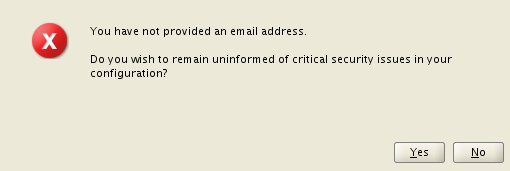
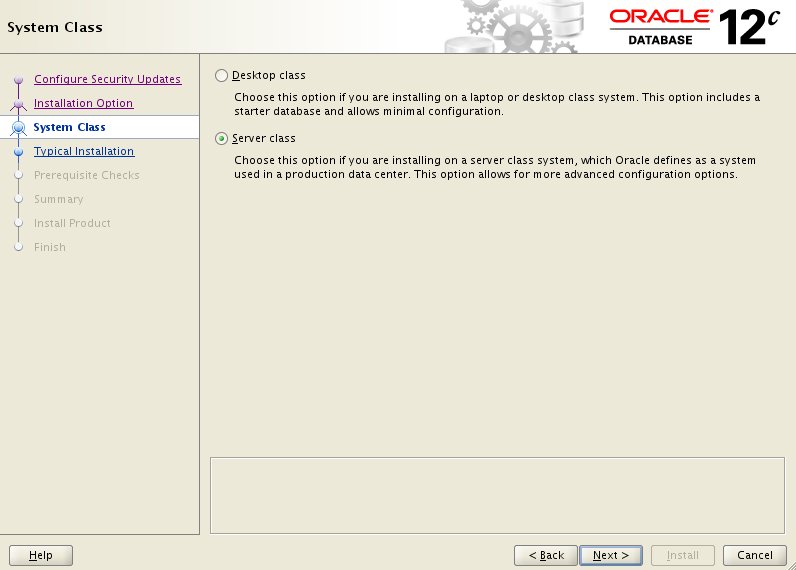
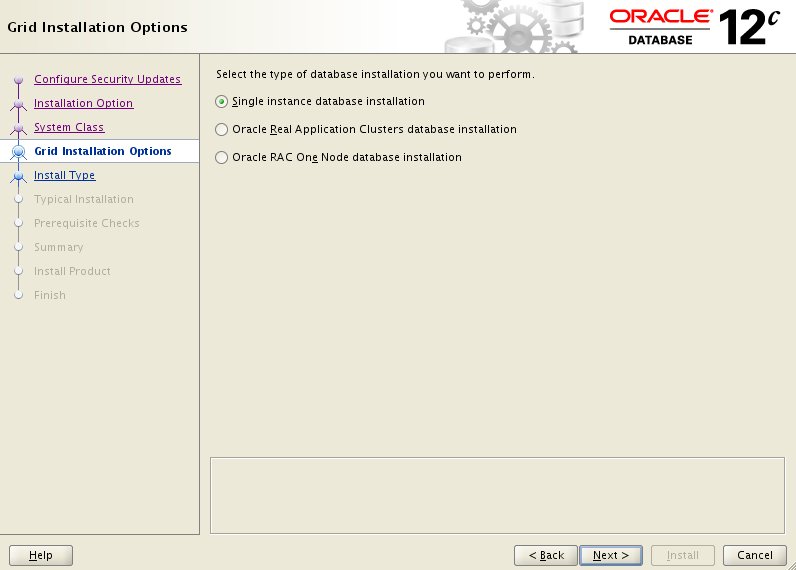
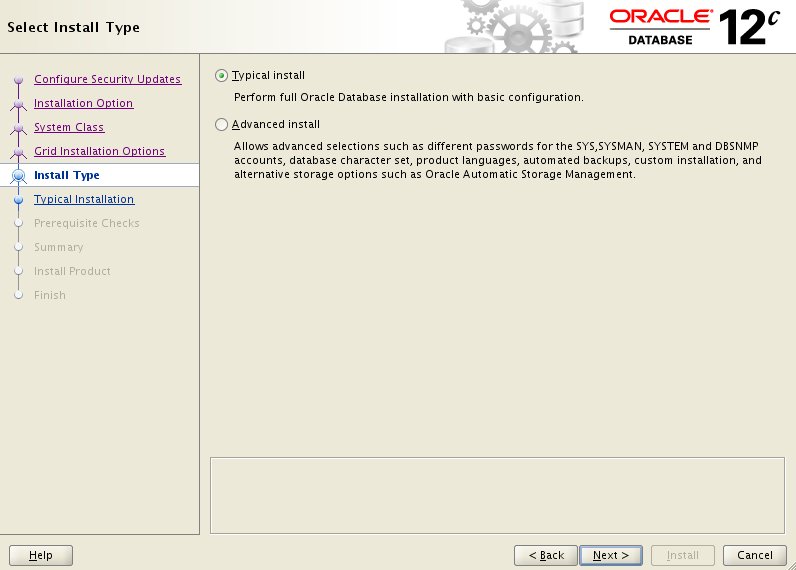
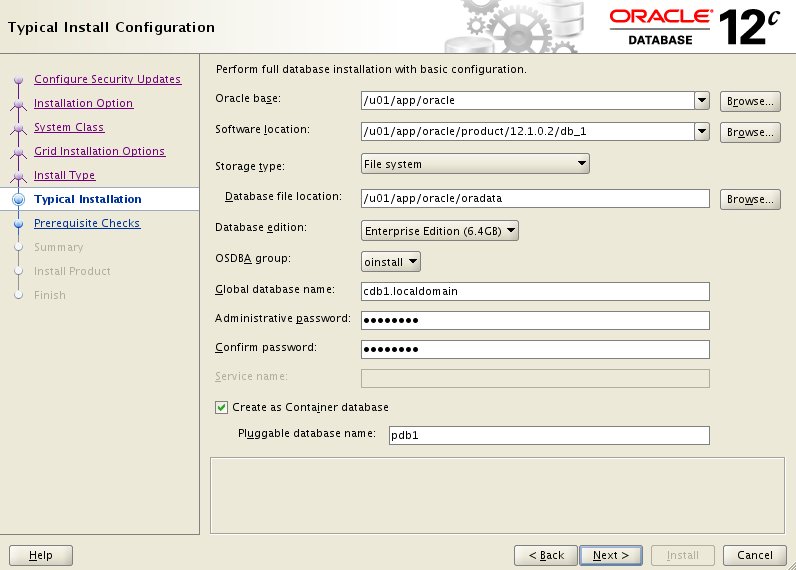
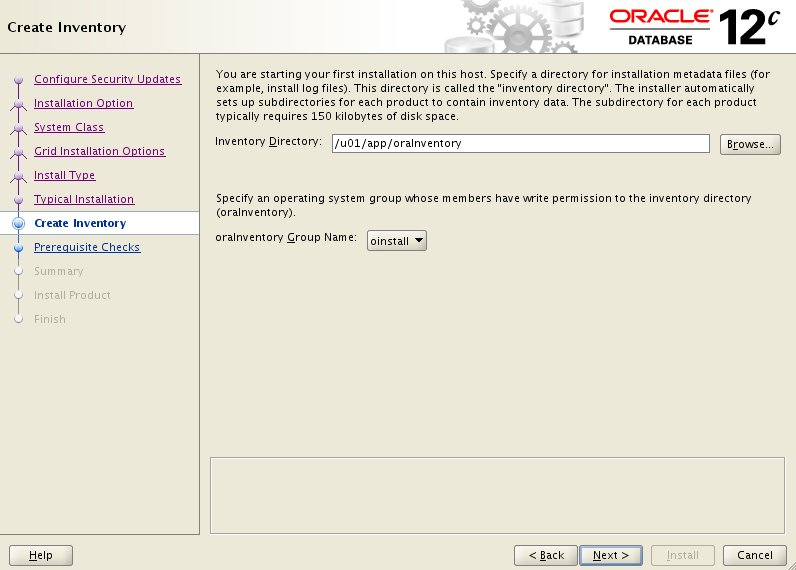
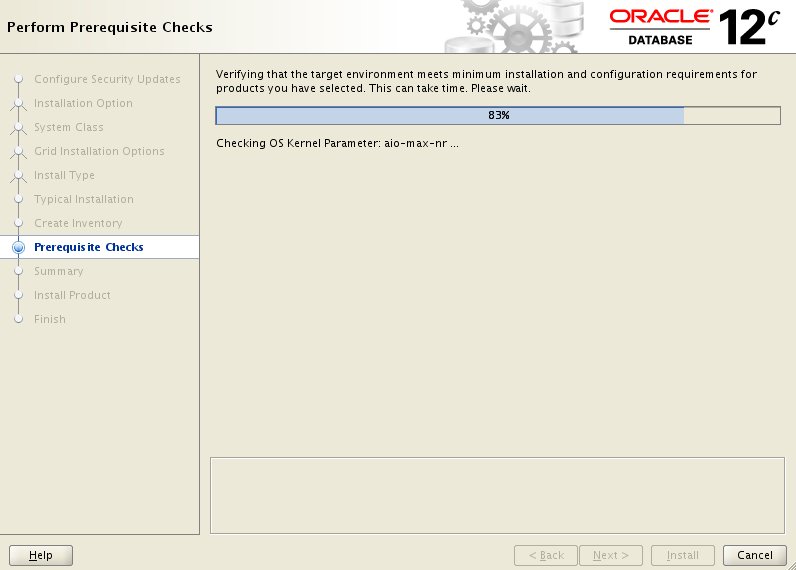
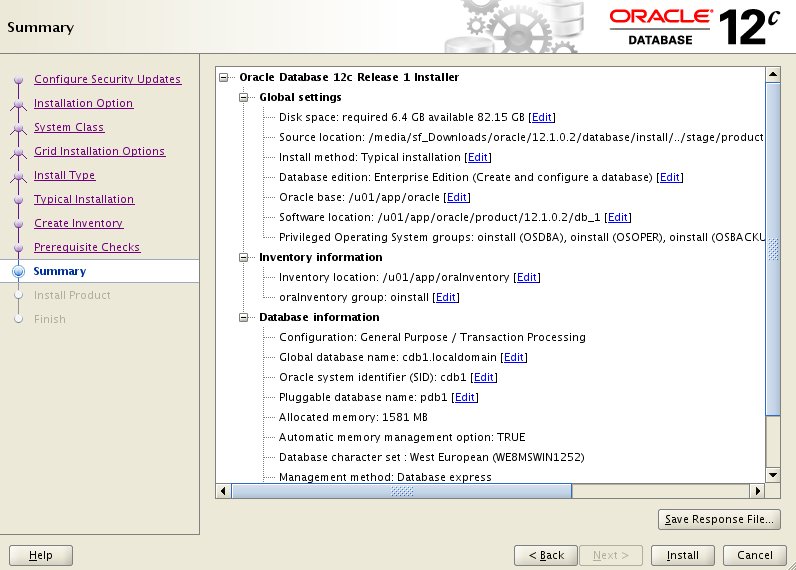
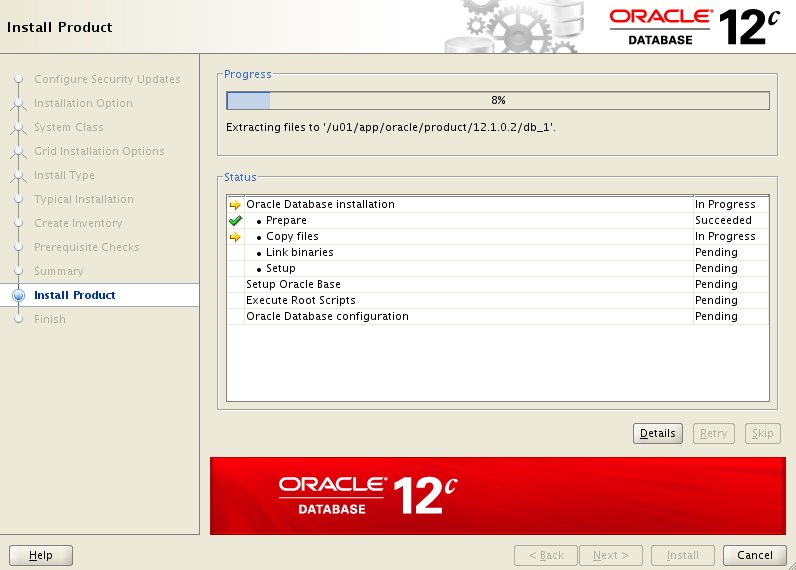
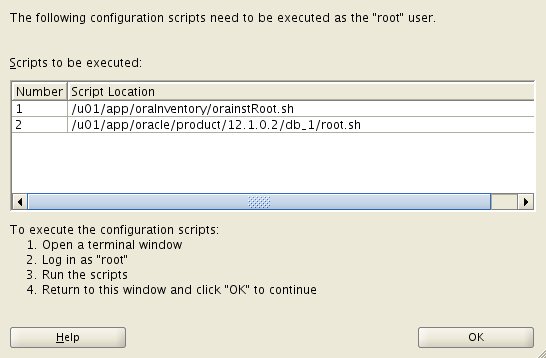
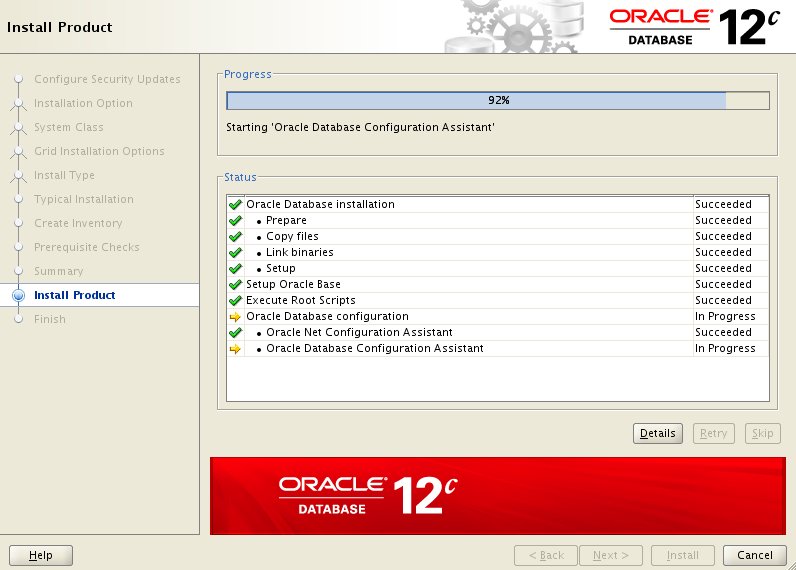
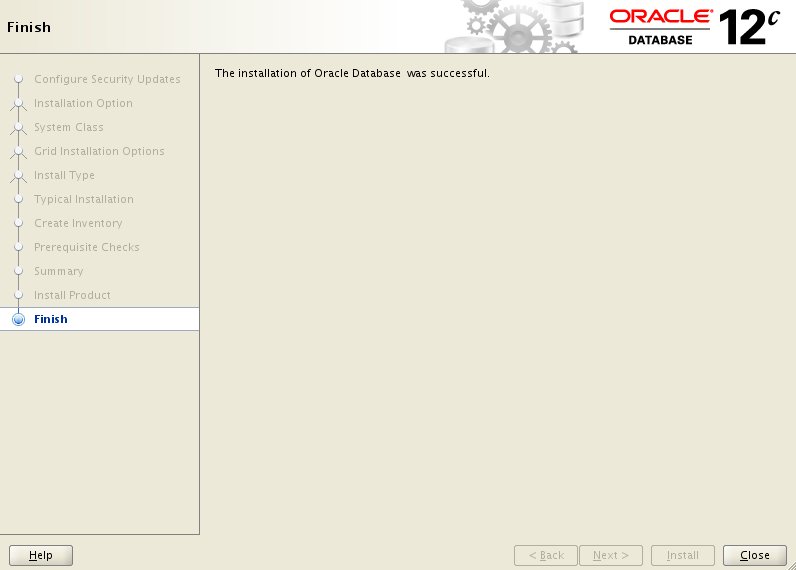
You can see the type of installation I performed by clicking on the links below to see screen shots of each stage.
- Configure Security Updates
- My Oracle Support Credentials
- Select Installation Type
- System Class
- Grid Installation Options
- Select Install Type
- Typical Install Configuration
- Create Inventory
- Perform Prerequisite Checks
- Summary
- Install Product
- Execute Configuration Scripts
- Oracle Database Configuration
- Database Configuration Assistant
- Database Configuration Assistant Complete
- Finish
- Database Express 12c Login
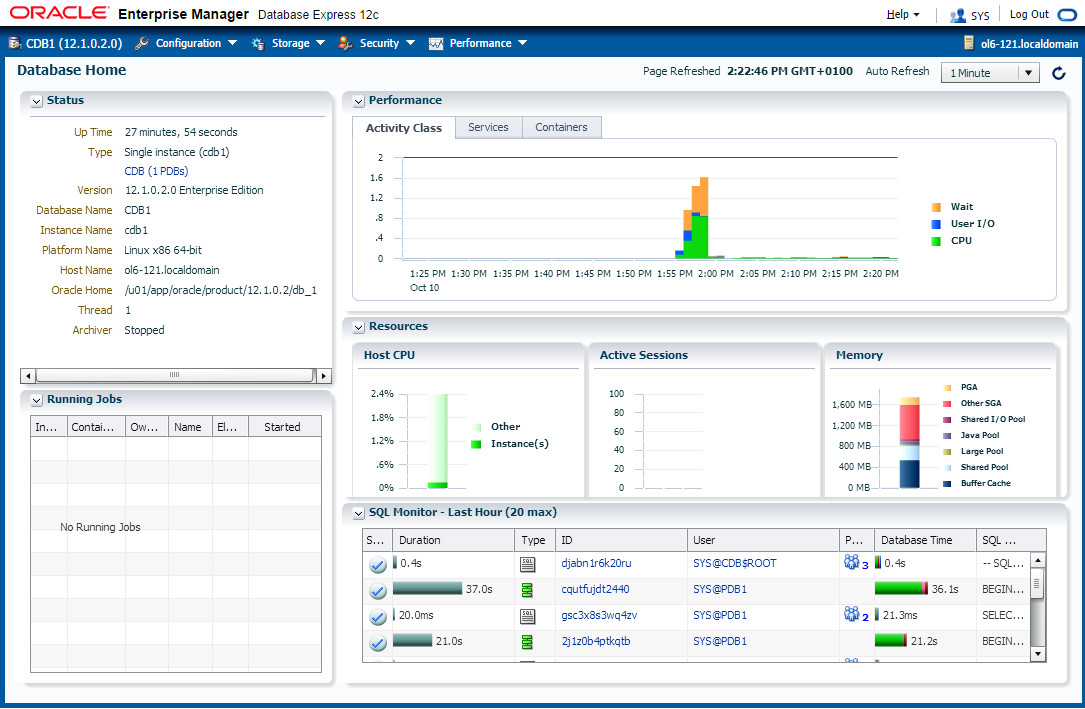
- Database Express 12c Dashboard
The "Database Configuration Assistant Complete" screen displays the Database Express 12c URL, which will be something like "https://ol6-121.localdomain:5500/em".
Post Installation
Edit the "/etc/oratab" file setting the restart flag for each instance to 'Y'.
cdb1:/u01/app/oracle/product/12.1.0.2/db_1:Y
If Database Express 12c is not working, check the XMLDB HTTP port. If it is 0, set it to the port you want to use.
SQL> SELECT dbms_xdb_config.gethttpsport FROM dual;

GETHTTPSPORT
------------
        5500

SQL> EXEC dbms_xdb_config.sethttpsport(5500);

PL/SQL procedure successfully completed.

SQL>
Common Errors
"error code 35" : The machine name in the "/etc/hosts" file is not correct. It needs an entry for the loopback adapter (localhost) and the machine name. If you are using DNS for name resolution, you still need the loopback adapter reference in this file.
"error code 37" : The DNS not working properly. You may also get this error is the "/etc/hosts" file is not configured correctly.
"sqlplus: error while loading shared libraries: libclntsh.so.12.1" : The prerequisites have not been met. Work through them again. Specifically, make sure the "gcc" package has been installed.
Listener fails to start - Typically this is due to incorrect name resolution. Make sure the "/etc/hosts" and/or DNS is configured correctly.
Linking errors - Almost always due to missing prerequisites. Review the setup sections.